Settings: Company Details
Learn how the Company Details section stores the key information about your business and supports documents such as quotations, PDFs, and other customer-facing paperwork.
Thought Process
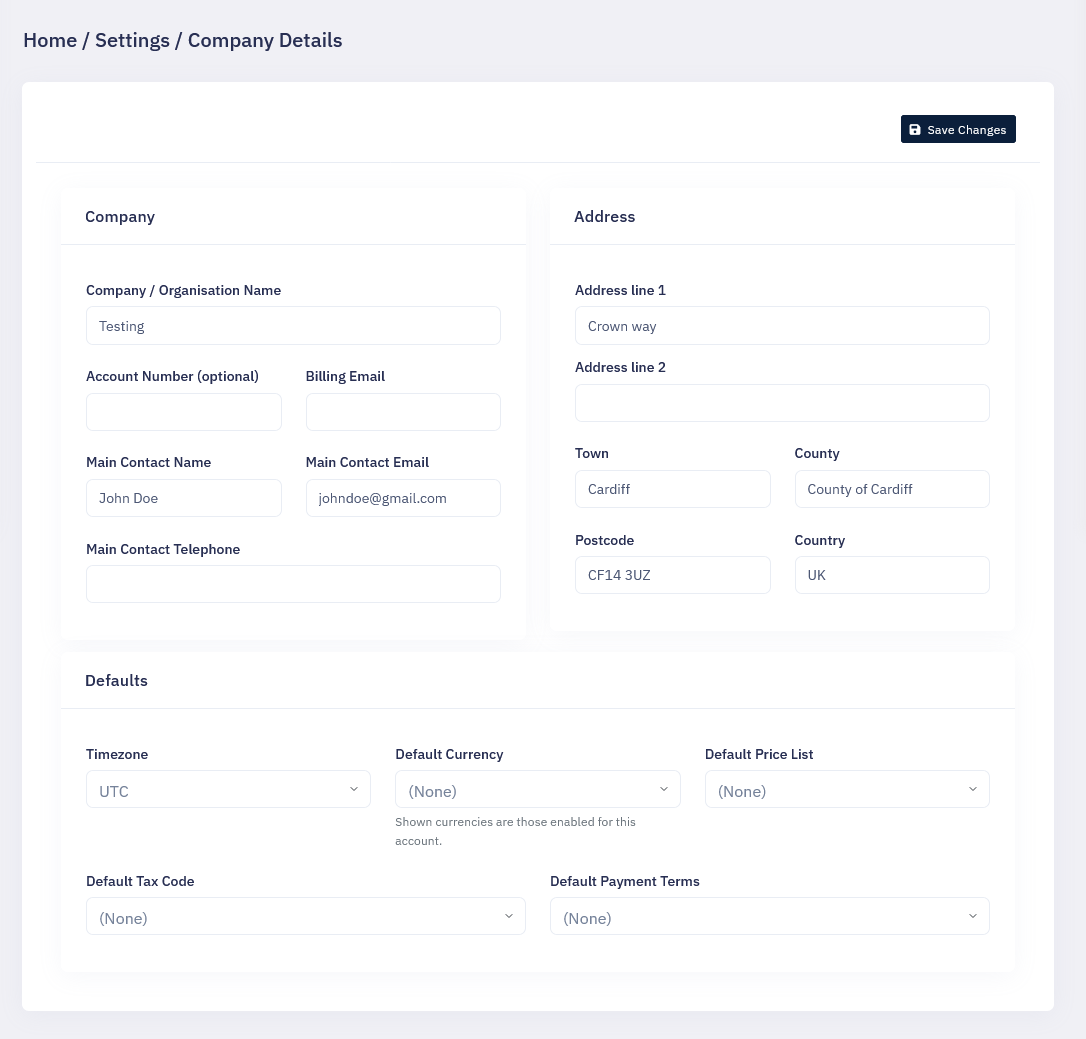
The Company Details section is where your own business information is stored within the CRM. This is different from customer or account data, because it relates to your own organisation and how it appears across the system.
This section is especially important because it can be used in quotations, PDFs, and other documents where the CRM needs to display the correct company identity. Keeping this information accurate in one central place helps ensure documents remain professional, consistent, and easy to manage.
Why it matters
If your company information is incomplete or out of date, that can carry through into paperwork and make your documents look inconsistent.
Why it is useful
By storing this once in Settings, the CRM can reuse it wherever it is needed rather than requiring it to be entered again and again.
What This Section Is Used For
Company identity
Store your business name and the main details that represent your organisation within the CRM.
Address details
Hold the company address so it can appear correctly on paperwork and other business documents.
Contact information
Keep important contact details such as telephone numbers, email addresses, and other communication information in one place.
PDFs and quotations
This information can feed into quotations, PDFs, and similar outputs so documents carry the correct company details automatically.
Document consistency
Keeping everything in one form helps make documents look more consistent and avoids duplicated manual entry.
Easy to update
If your company details change in the future, this section gives you one central place to update them.
Simple Walkthrough
- Go to Settings.
- Open the Company Details section.
- Review the fields shown in the form.
- Enter or update your company information as needed.
- Save the form so the new details are stored.
- Use the updated information in future documents and outputs created by the CRM.
Getting the Most From Company Details
Keep it accurate
Check this section regularly to make sure addresses, telephone numbers, and other details are still correct.
Think of it as your master record
This should be treated as the main source of truth for your own company details within the CRM.
Check before sending documents
If quotations or PDFs look wrong, this is one of the first places to review and confirm the company information being used.
Keep admin responsibility clear
It is usually best for one trusted person or team to look after this section so important company details are not changed by mistake.
Company Details Screen Example